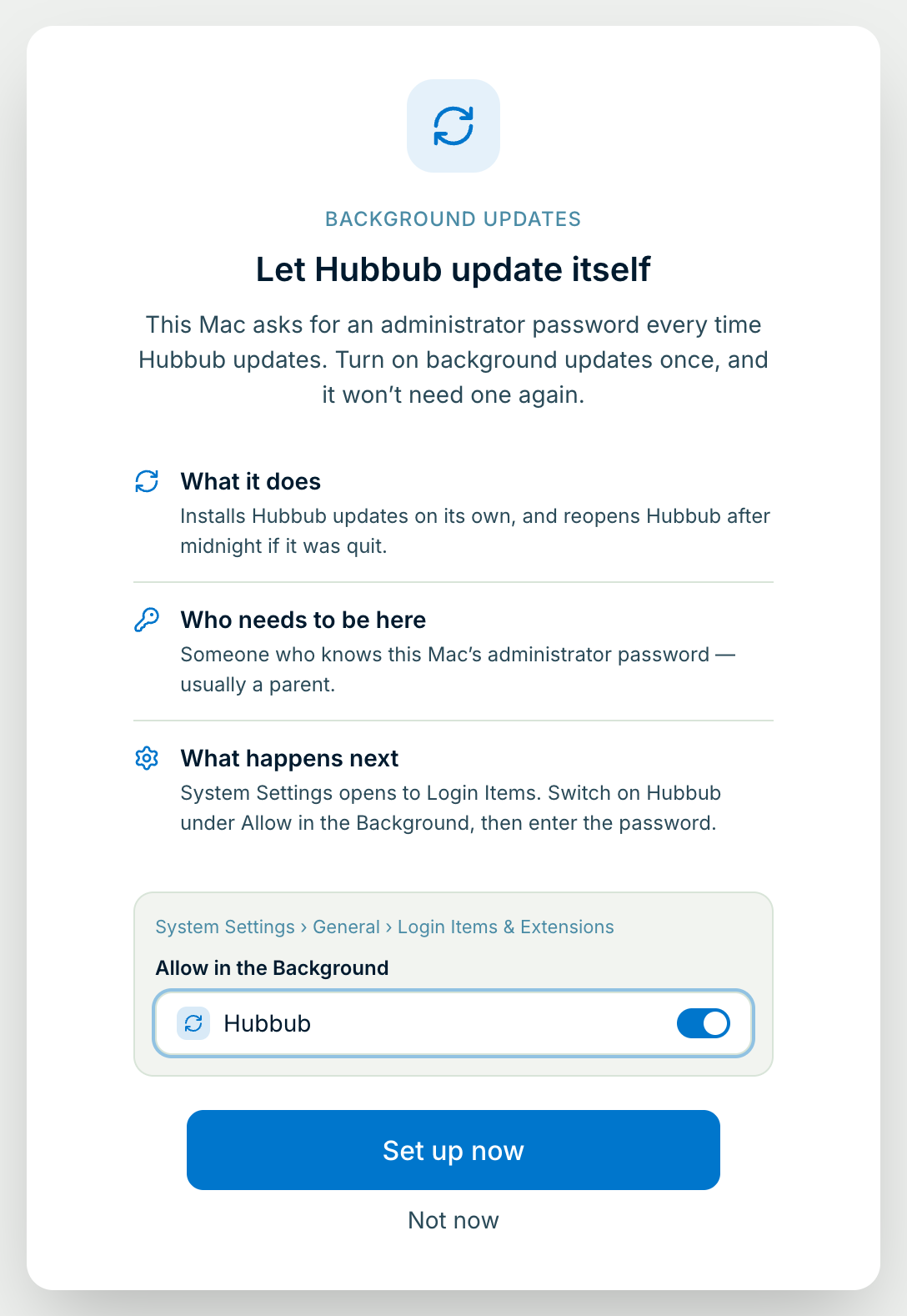
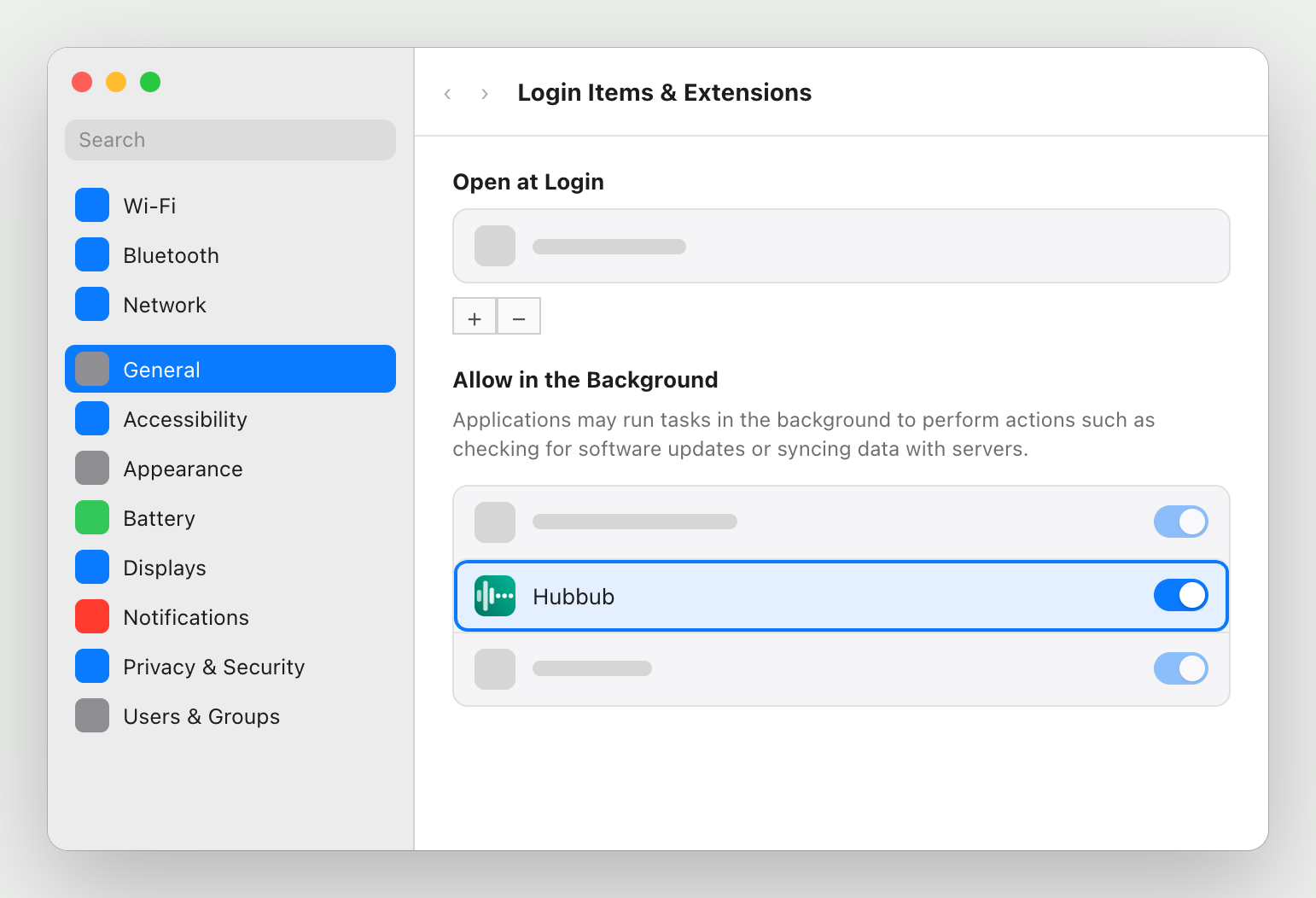
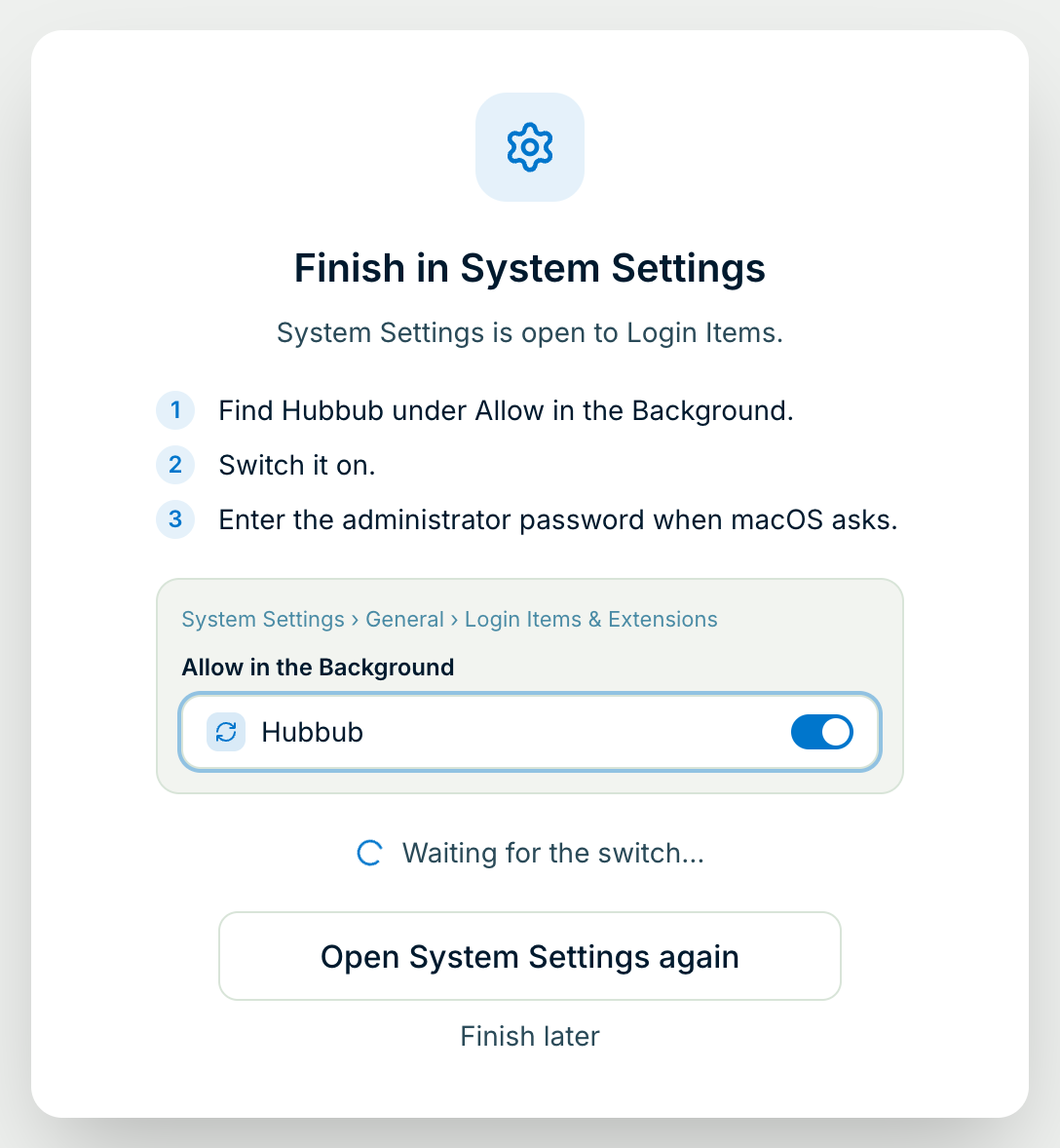
Step 1: Click Set up now — with the administrator at the keyboard
After setup, Hubbub shows a screen called Let Hubbub update itself on any Mac where it can't install updates on its own. It explains what's about to happen before macOS asks anything.
Not there right now? Click Not now — Hubbub keeps working. The next time an update is waiting, a banner offers Set up background updates.